Create your Restaurant
Your restaurant is the home for your branches, menus, and orders. Setting it up takes five short steps. Watch the video, then follow along below.
Step 1 — Restaurant Info
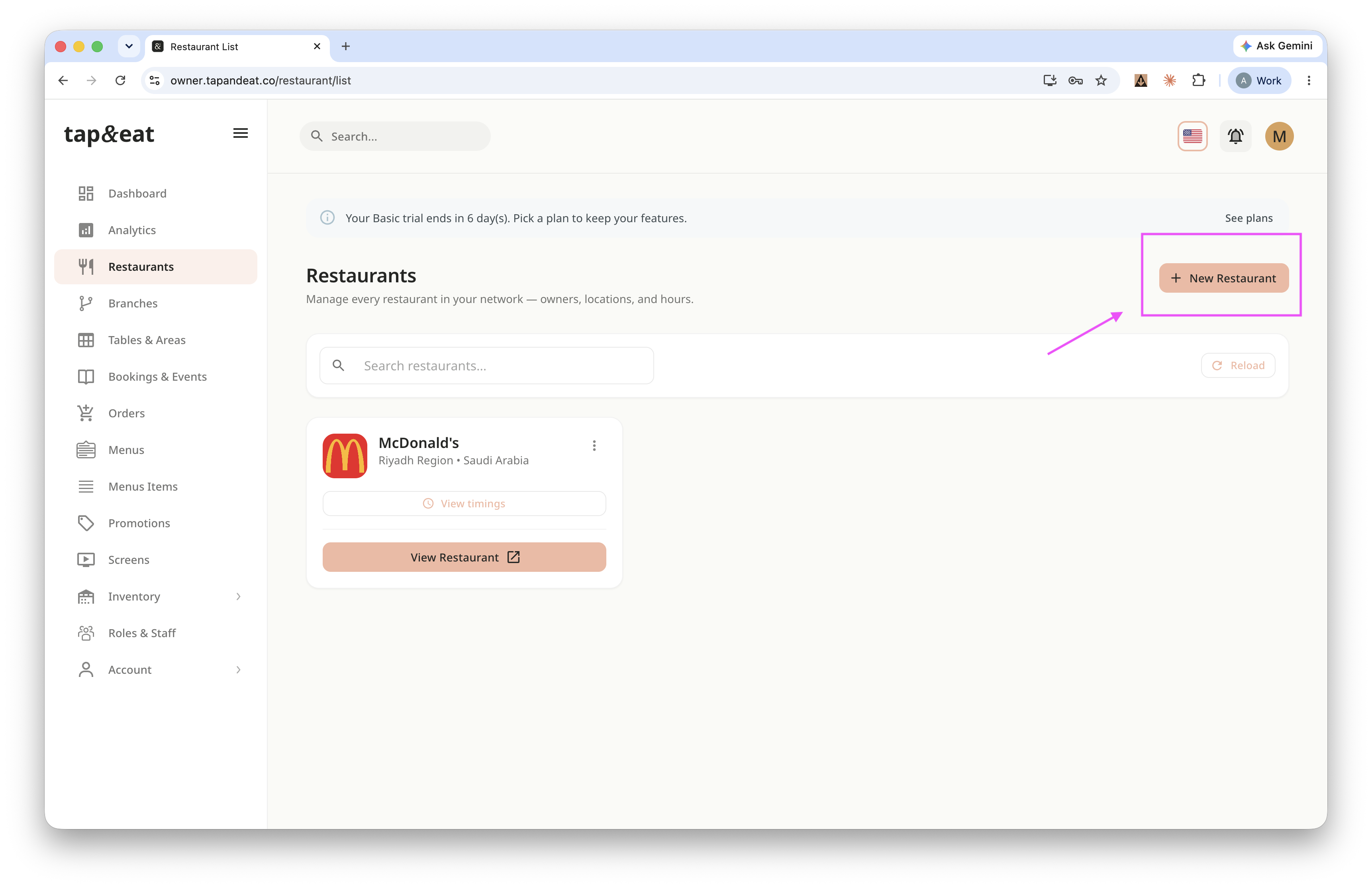
On the Restaurants page, click New Restaurant.
Step 2 — Restaurant Basic
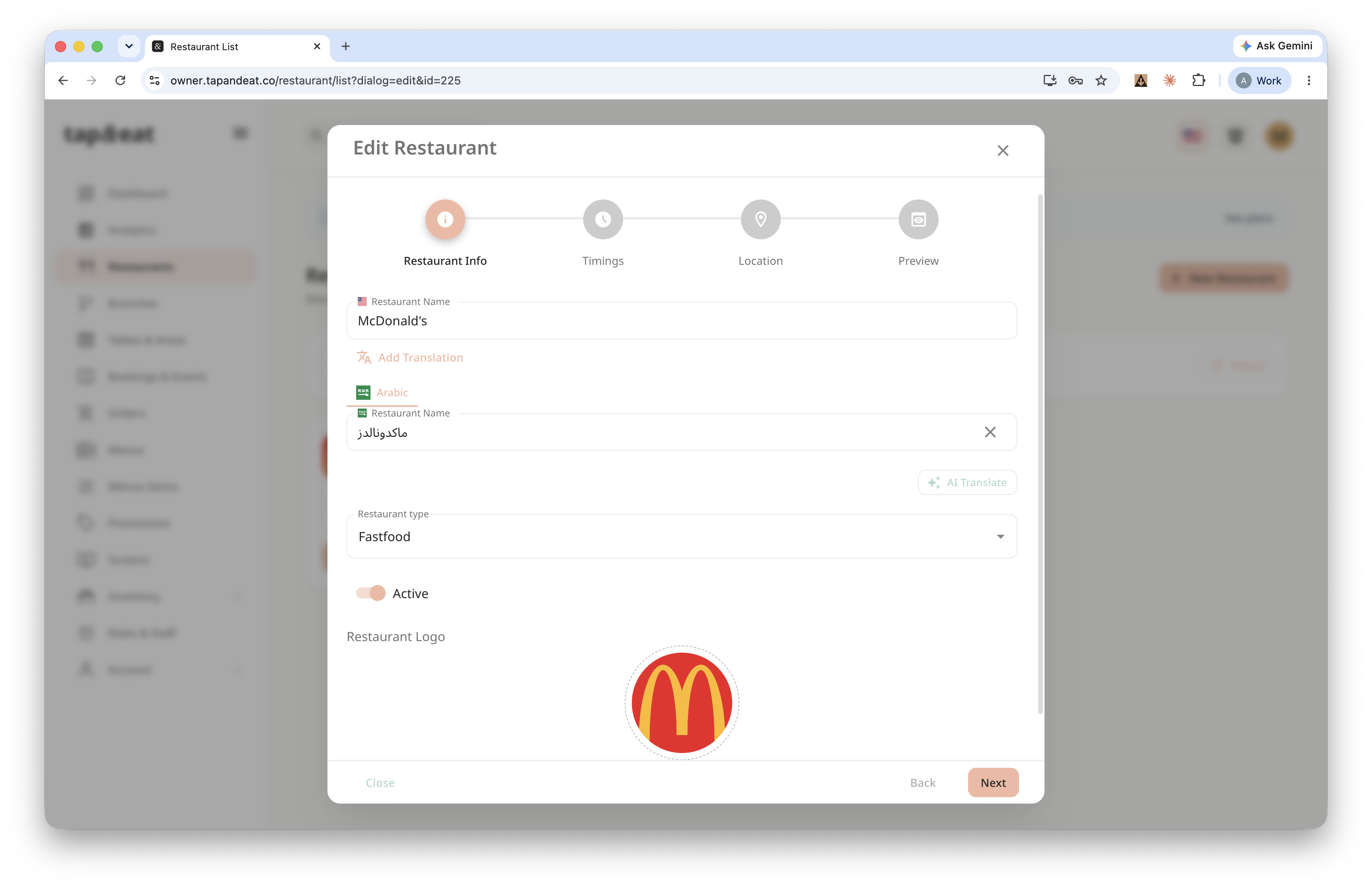
Enter the restaurant name, choose the restaurant type, turn Active on, and upload your logo. Click Next.
Step 3 — Timings
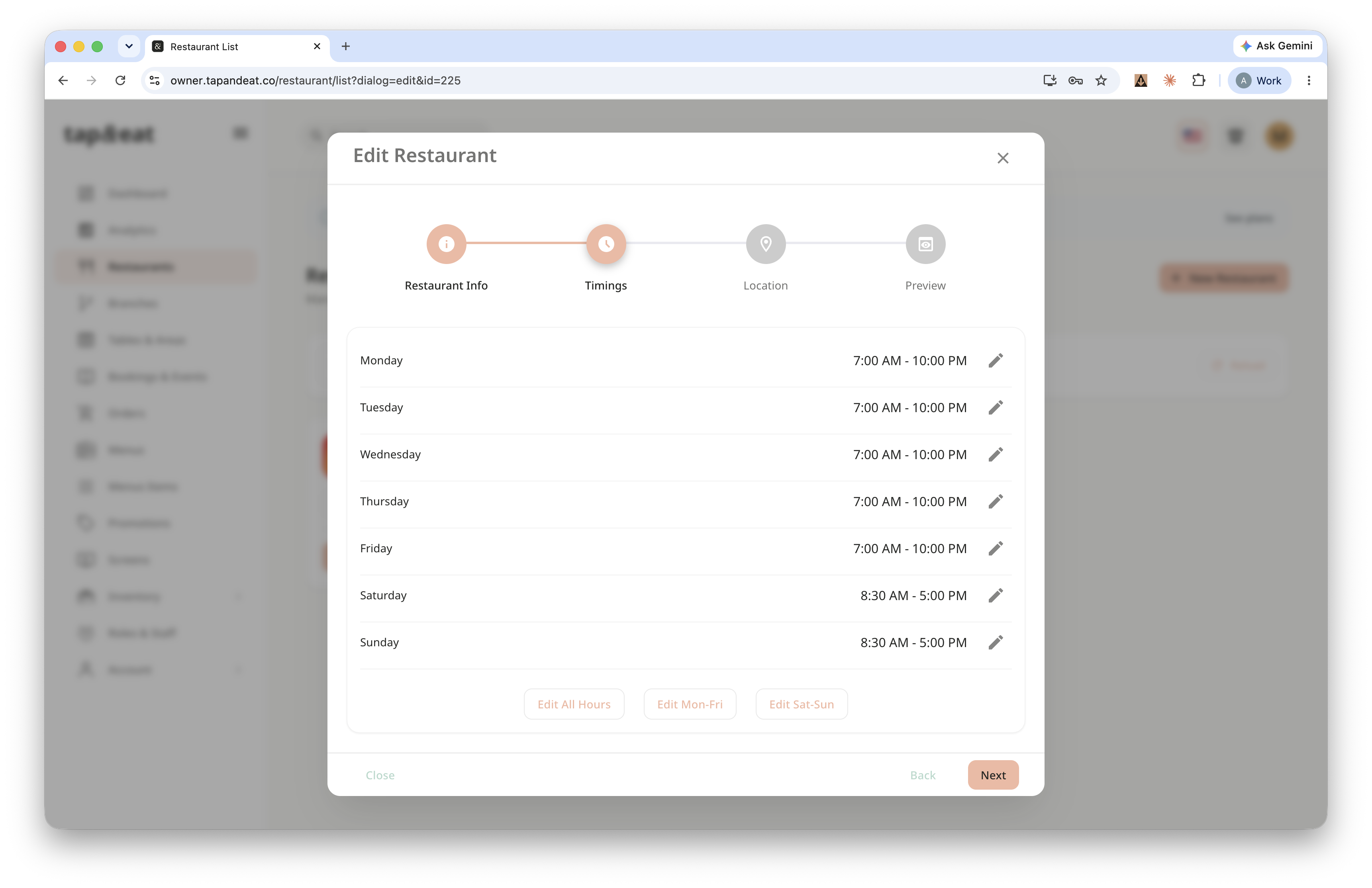
Set your opening and closing hours for each day. Click Next.
Step 4 — Location
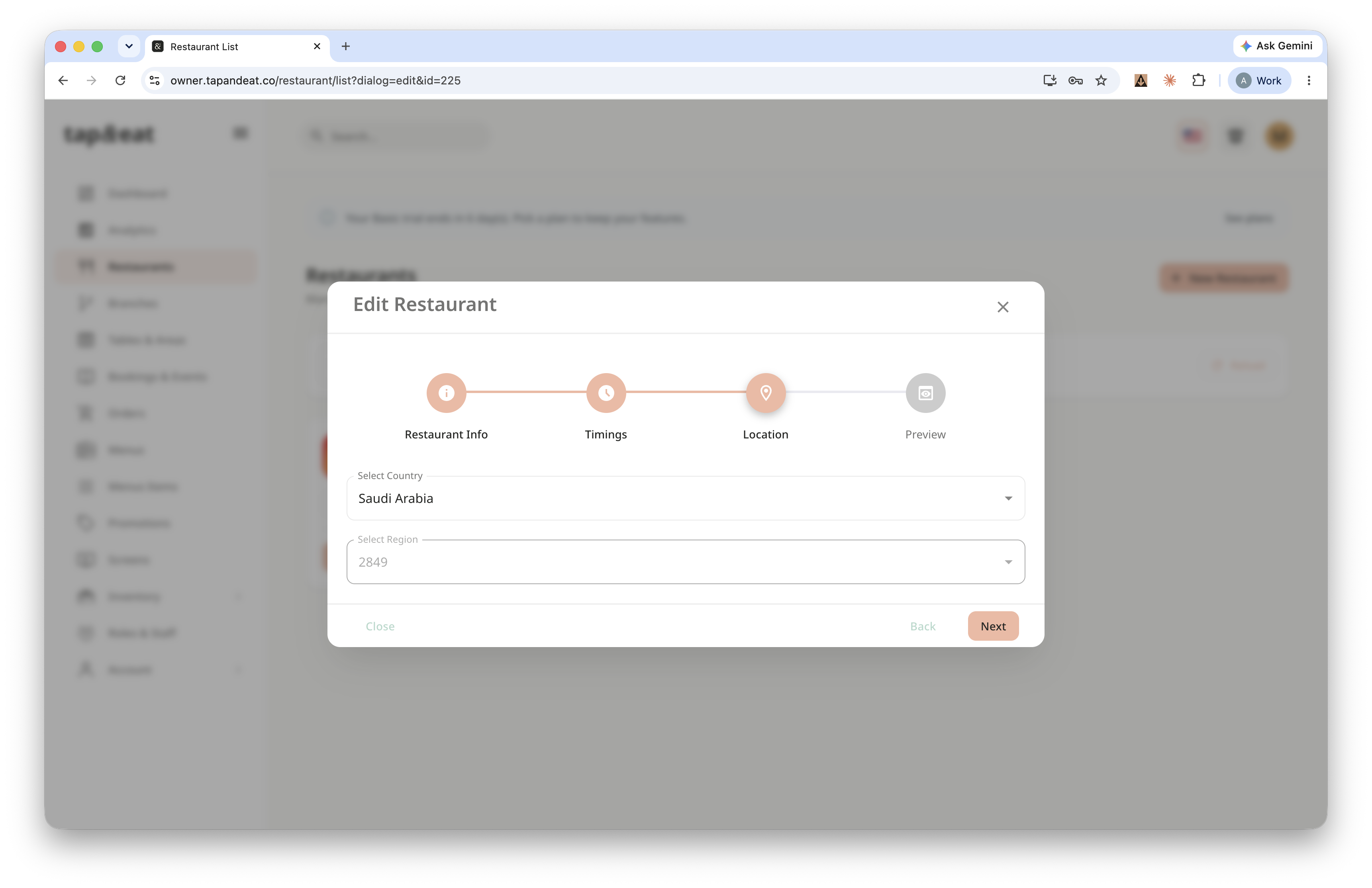
Choose the Country and Region. The map pin drops automatically — drag it to fine-tune the exact spot. Click Next.
Step 5 — Preview
Review the summary, then click Create.
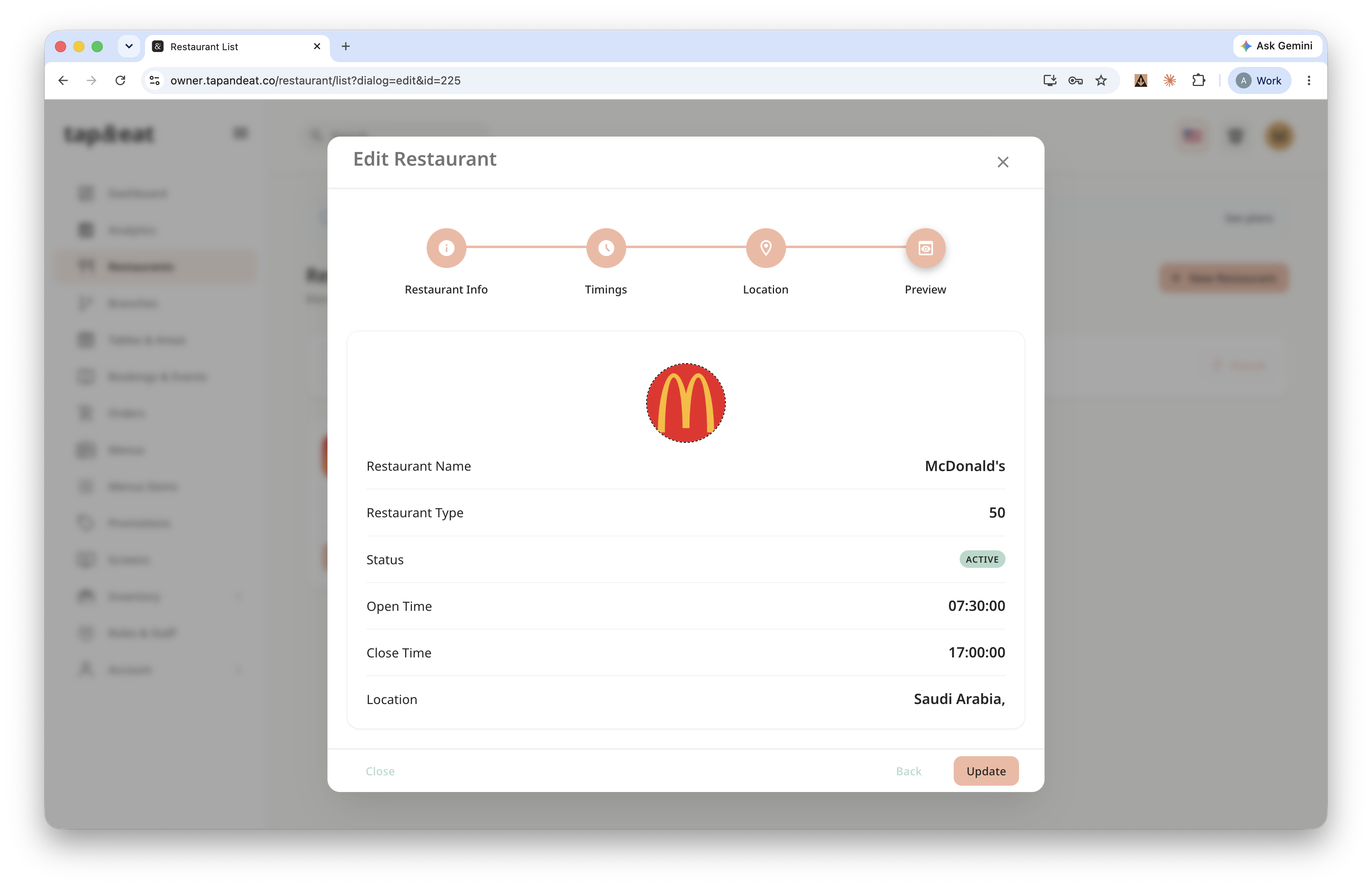
Your restaurant is ready.
Note: You can Update the Restaurant the same way!